Electronic Music Free Scratch Coding Activity
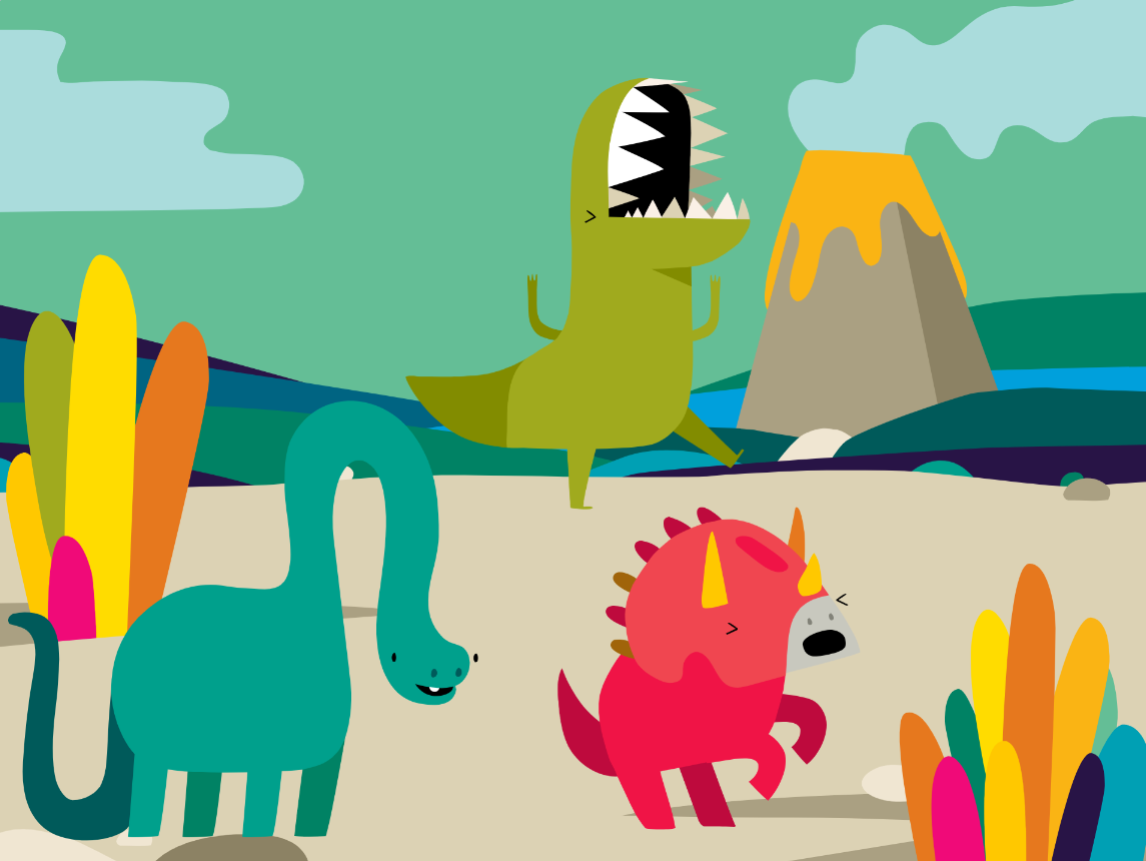
Follow our easy step-by-step coding instructions to create your own band of singing dinosaurs in Scratch!
- 1
Go to the Scratch website: https://scratch.mit.edu/
- 2
Sign in or register for Scratch
If you already have a Scratch account, click ‘Sign in’ and enter your login details. Otherwise click ‘Join Scratch’ and create your free Scratch account.
- 3
Open a new project by clicking 'Create'

- 4
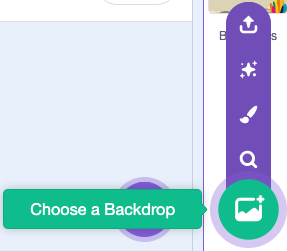
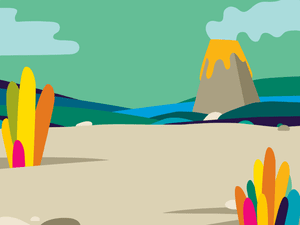
Add an awesome backdrop from the Scratch library
We chose a 'Jurassic' theme
- 5
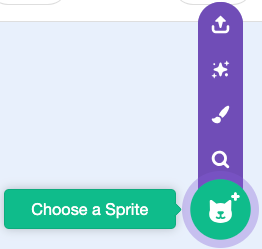
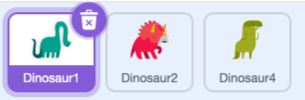
Next, add three dinosaur sprites from the library
You can click and drag the dinosaurs to arrange them on the backdrop
- 6
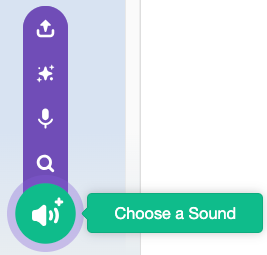
For each dinosaur, go to the sound library and add a different sound

- 7
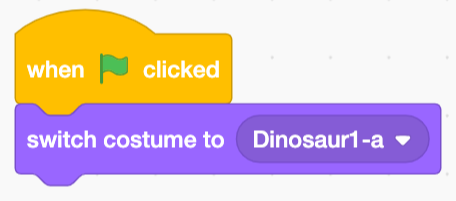
Now select one of the Dinosaurs and add this code
This will set the dinosaur's costume to start the project
- 8
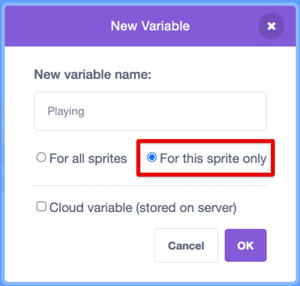
Then create a variable called 'Playing'
Make sure to set it to 'For this sprite only'
- 9
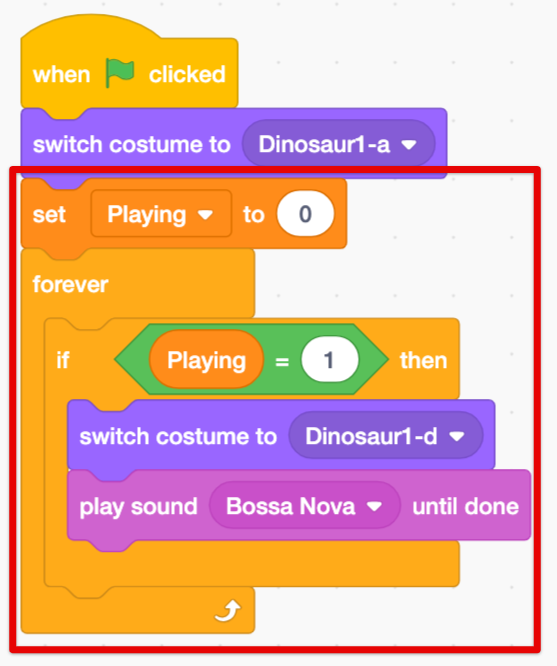
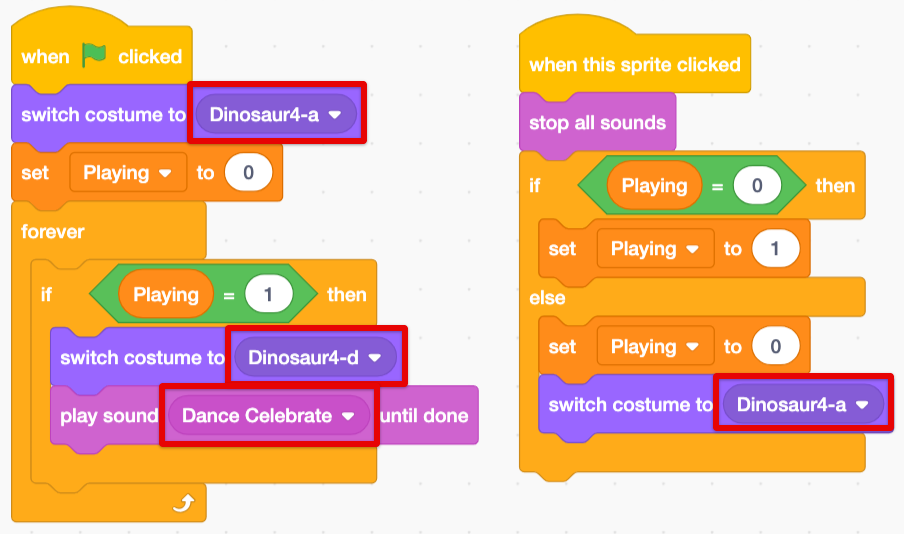
Now you can create this code
If the Playing variable is 1, then the Dinosaur's costume will change and it will play a sound on loop
- 10
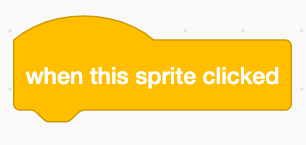
Next add this block
Any blocks we add to this will run when we click on this dinosaur
- 11
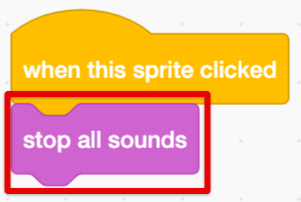
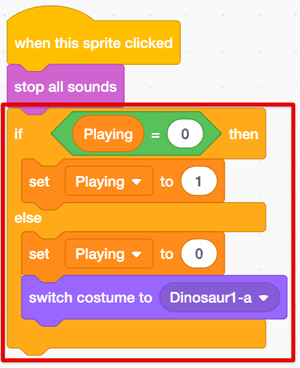
When the dinosaur is clicked, first we will stop all the sounds
- 12
Then create this code to check if the dinosaur's 'Playing' variable is 0
If it is, then we will switch to 1 when clicked!
- 13
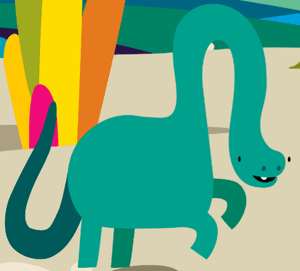
Let's test it out!
What happens when you click on the dinosaur?
- 14
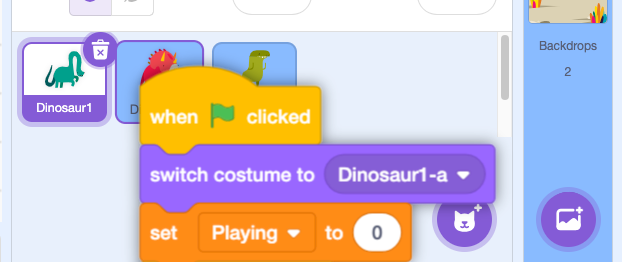
Now let's copy this code to the other dinosaurs
Click and drag all of the code over to the other dinosaur sprites
- 15
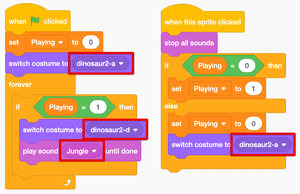
We'll have to make some edits to the other dinosaur's code
Here's one of them
- 16
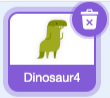
Make the edits for the last dinosaur
- 17
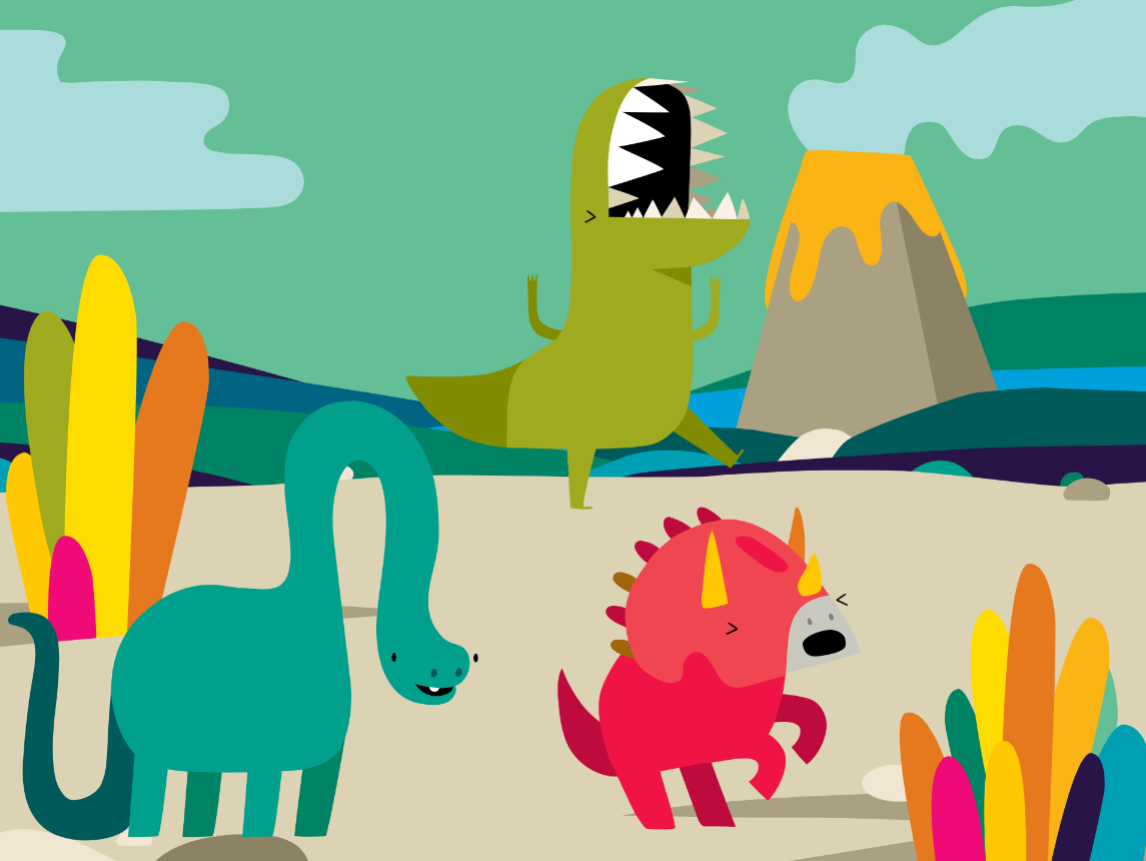
You did it!
What else could you add to your 'singing' dinosaur project?
Thanks for building a game with us!
If you enjoyed this coding activity be sure to sign up for our online coding classes for kids. Our coding classes are a lot of fun, but they’re also really effective at teaching coding techniques and challenging students to develop their skills. You’ll learn about loops, variables and functions - and everything in between - and you’ll build your own games and animations with a small group of kids of the same age and experience level as you.
Sign up for one of our free coding lessons